
Mille Cubes
Slice, then dice.
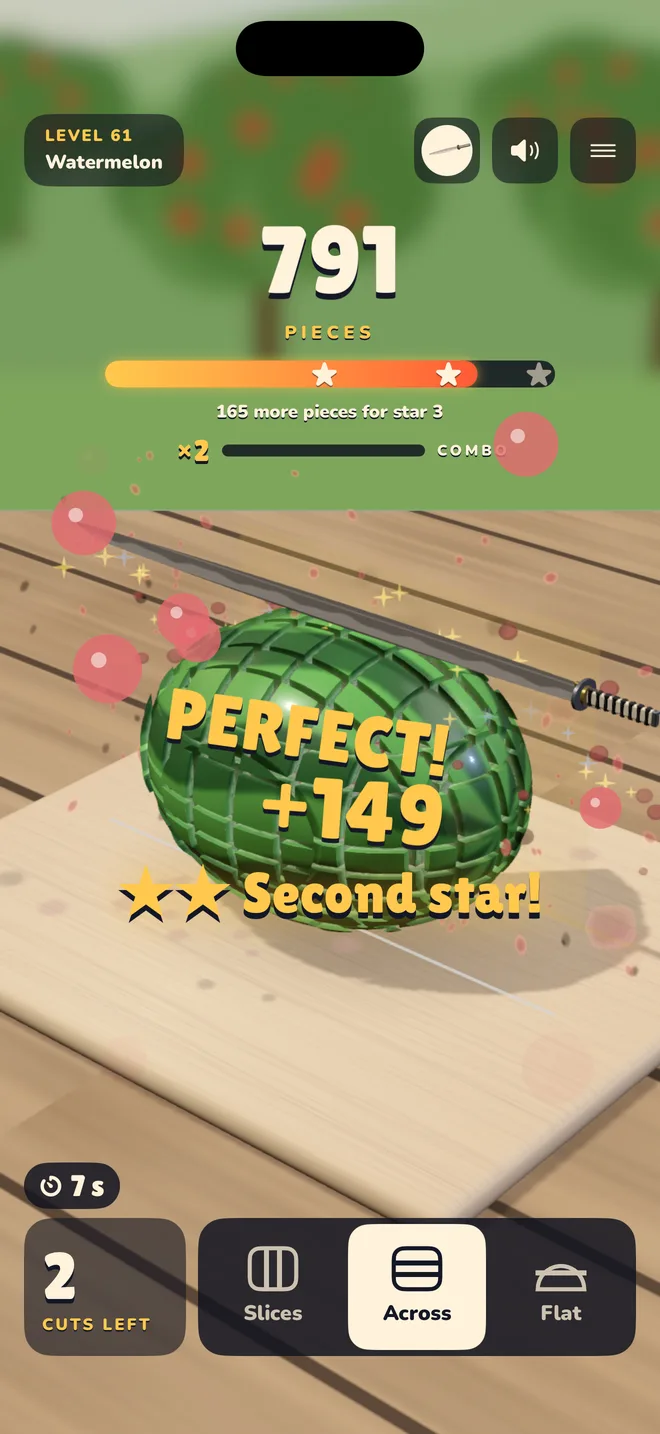
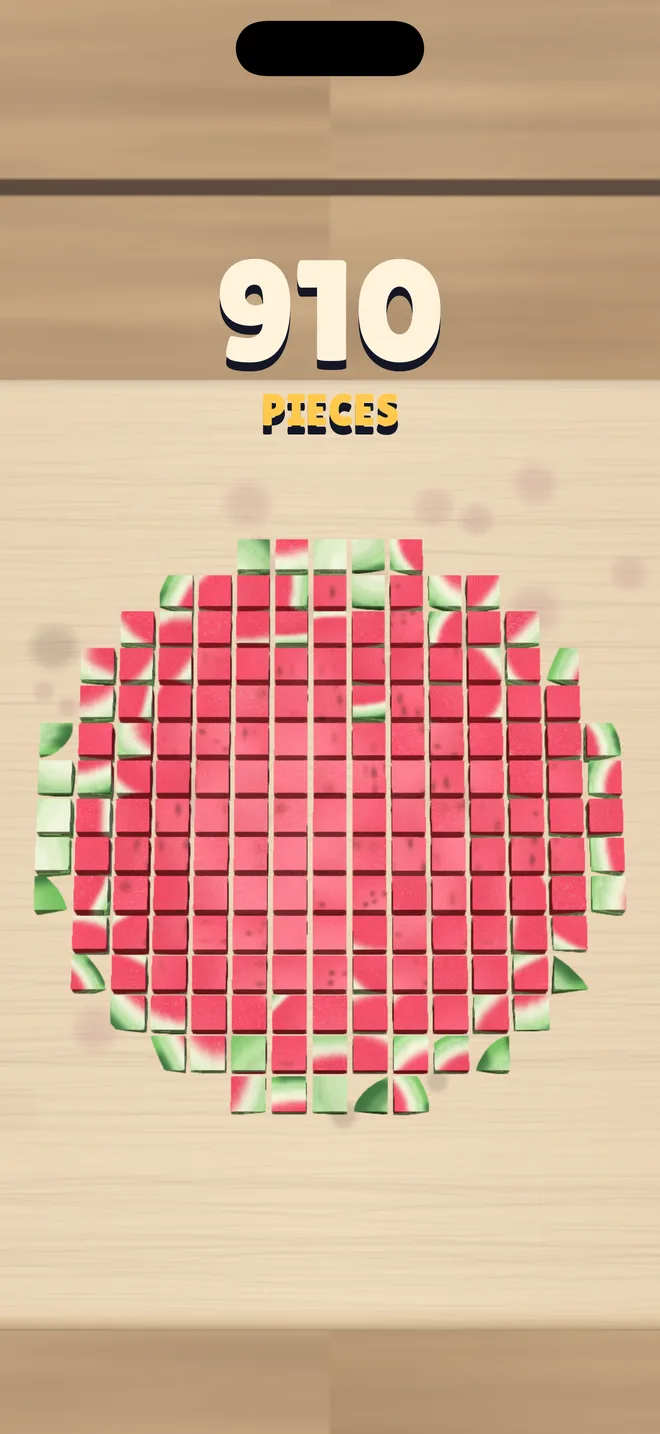
A knife, something to cut, a golden zone. Tap at the right moment, chain perfect cuts and watch it all fall into a thousand cubes.
Download on the App Store Free, on iPhone and iPad
What is in the game
- 300 levels
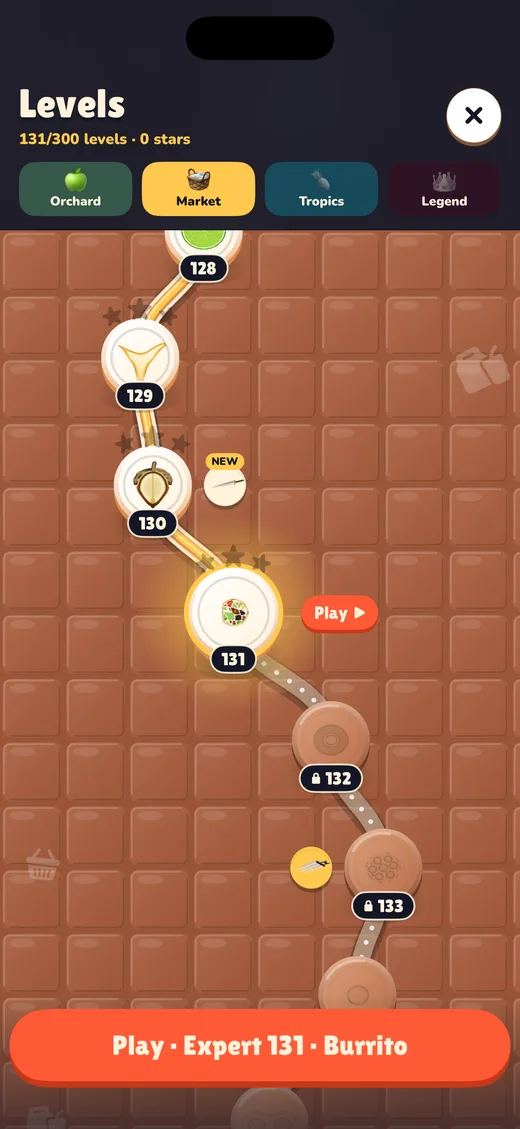
- across four worlds: the Orchard, the Market, the Tropics and the Legend.
- 300 things to cut
- fruit and vegetables, but also pastries, dishes, toys and odd objects.
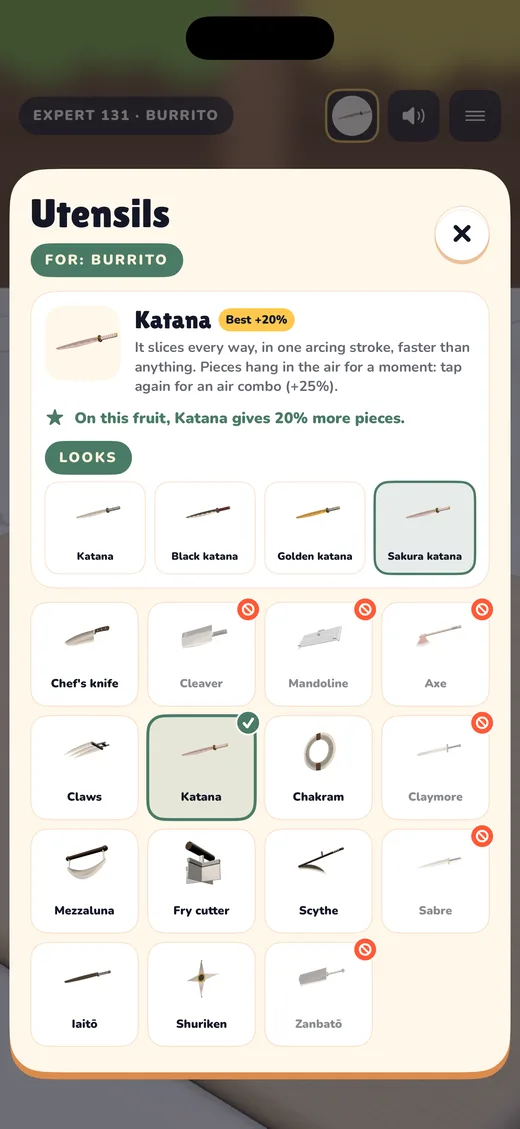
- 15 utensils
- each cutting in its own way, from the chef’s knife to the katana, and 28 looks to unlock.
- A challenge a day
- the same for everyone, with its own rules and leaderboard.
- 6 languages
- English, French, Spanish, German, Italian and Portuguese.
In pictures
Help
How do I cut?
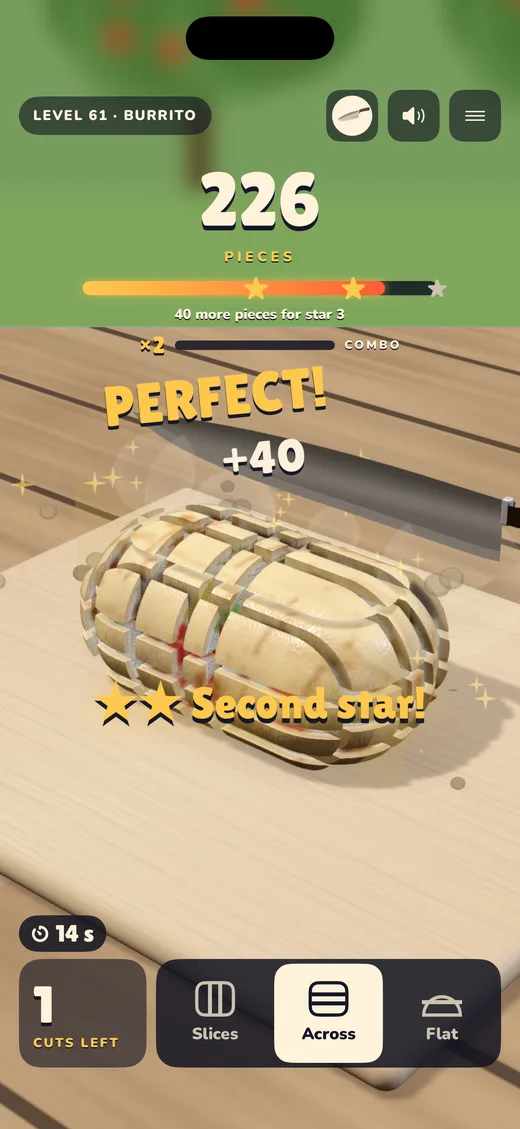
Tap when the blade is over the golden zone. Change direction with the three buttons at the bottom to turn slices into sticks, then into dice. The first levels teach it step by step.
I have a new phone. Where is my progress?
It follows your iCloud account, if iCloud is on for Mille Cubes. Open the game on the new device with the same account: it comes back by itself.
How do I restore a purchase?
In the game, open Settings and tap “Restore purchases”.
Can I play without ads?
Rewarded ads are always optional. The “No ads” purchase removes the others for good.
How do I change my choice about personalised ads?
In the game: Settings, then “Ad privacy”. On the iPhone: Settings, Privacy & Security, Tracking.
Does the game work offline?
Yes. Only ads, leaderboards and the iCloud save need the Internet.
Can’t find your answer? Write to us, with your iPhone model and the game’s version (at the bottom of Settings).
contact@ebunstudio.com